

How to Automate PC Fleet Power Management at Scale becomes a pressing question once a fleet spans several offices, time zones, and hardware generations. Automated endpoint energy governance is the operational framework that cuts idle power draw while keeping devices reachable for patching and support. This article outlines device classification, wake orchestration, patch window synchronization, and rollout methods.
Where an Endpoint Power Policy Starts: Baselines and Timers
Operating States and Baseline Telemetry
Operating system defaults rarely produce a usable endpoint power policy. Each model ships with different timers, and manual edits drift. A unified policy begins with an energy consumption baseline: active hours, idle periods, and off-hour draw measured across every endpoint model. The ENERGY STAR specification defines off, sleep, and idle modes, which gives the baseline a shared vocabulary. Power state telemetry then records sleep compliance, transition latency, and availability per device. Verified device uptime reduction translates directly into lower electricity and cooling costs.
Idle Triggers and System Transitions
Timers work in two stages: an aggressive display timeout first, then a longer idle timeout that puts the system to sleep. Sleep vs hibernate is a trade-off. Sleep resumes in seconds but keeps drawing a trickle of power, while hibernate draws almost nothing and resumes more slowly. The Powercfg documentation covers commands that list supported sleep states and expose hardware limits, such as firmware without hibernate. Power plan orchestration tools then apply one uniform profile across hardware generations without hands-on edits.
Why a Single Power Profile Fails Across Every Device Type
Role-based policies replace the monolithic profile. Laptops need separate AC and DC thresholds, with longer timers when plugged in and shorter ones on battery. Remote workforce power policies depend on modern standby, tolerate intermittent connectivity, and avoid wake traffic over cellular links. Kiosk mode power settings keep a public display on during facility hours and drop to low power afterward. Knowledge workers tolerate short timers, while engineering workstations running long compute jobs do not. Peripherals add friction: Thunderbolt docks with persistent network keep-alive handshakes can block sleep, and virtual workstations need host schedules that do not collide with VM schedules.
| Archetype | Key setting | Typical risk |
|---|---|---|
| Knowledge-worker laptop | Short DC timers, modern standby | Dock keep-alives blocking sleep |
| Kiosk terminal | Hours-based display schedule | Screen sleeping during opening hours |
| Engineering workstation | Long idle timeout with approved exception | Interrupted compute jobs |
| Virtual workstation host | Host schedule aligned to VM schedule | Host sleeping under active VMs |
How Do Sleeping PCs Still Get Patched on Time?
Wake-on-LAN, Wake Timers, and Scheduled Wake Events
Updating low-power devices without leaving them on overnight requires a reliable wake path. Wake-on-LAN (WoL) needs BIOS/UEFI enablement, NIC wake settings, and a route to the sleeping device, either subnet-directed broadcasts or a management proxy on each segment. Wake timers let Windows wake itself for administrative tasks, and the Microsoft sleep settings overview maps them to provisioning paths and PowerCfg aliases. Centrally defined scheduled wake events then fire during low network usage.
Synchronizing Patching with Power Schedules
Each maintenance window opens with a wake event ahead of deployment. Patch window coordination keeps endpoints awake through download, installation, and reboot, then returns them to sleep once the task is verified. Peer-to-peer delivery needs care, because sleeping peers break distribution trees; always-on distribution points can serve as sources instead. Endpoints that miss the window complete mandatory jobs at the next user session, with throttled CPU and bandwidth so performance does not suffer.
Exceptions, Overrides, and Proof of Savings
Exception management works only when no exemption is permanent. Software engineers and data scientists request exceptions through an approval workflow, each with an expiration timer and scheduled audits. User override controls let someone working late or running a long job snooze sleep for a limited period. Time zone, aware scheduling applies one global rule against local clocks, which removes manual calendar edits for multi-regional teams.
Policy compliance reporting aggregates telemetry into dashboards. Verified uptime reductions convert to kilowatt-hours using device wattage, then to budget recovery and carbon footprint reports. Tamper resistance, where the management agent enforces schemes and local administrator accounts cannot alter them, keeps those figures trustworthy.
Rollout Scenario: From Pilot Group to Full Fleet
Phase one runs in read-only telemetry mode to capture a pre-policy baseline. Phase two applies gentle display and idle timeouts to a pilot of roughly 5-10% of the fleet, spread across departments and hardware models. Success criteria include ticket volume, wake reliability rate, and user disruption logs. Phase three moves in waves by business unit through endpoint management tooling, after users receive notice of new schedules, sleep indicators, and override request steps. A rollback procedure uses automated revert policies that restore previous schemes if widespread disruption or software incompatibility appears.
Troubleshooting Checklist: Sleep Blockers vs Wake Failures
Machines that never sleep are diagnosed first. Command-line tools such as powercfg /requests reveal execution requests, active audio streams, and background processes holding the system awake. NIC drivers, wake-pattern mismatches, and misconfigured peripherals also keep systems in high-power states.
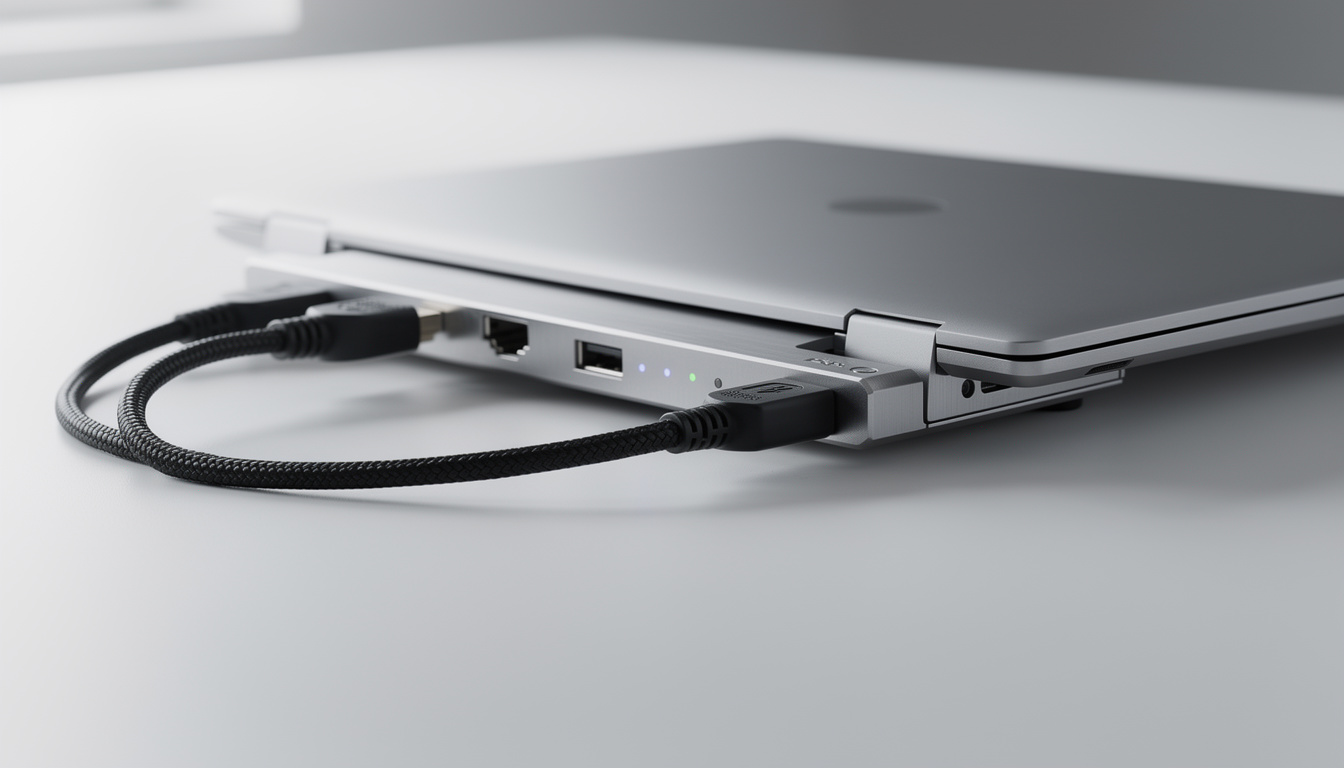
Wake failures differ. Systems may fail to resume from deep sleep or lose connectivity afterward. Hybrid sleep and fast startup conflicts commonly corrupt wake transitions on enterprise-imaged devices. After a scheduled wake, verification covers DNS registration, 802.1X re-authentication, and VPN reconnection.
Does automated sleep interfere with remote administration?
Not when wake paths are configured. Wake-on-LAN, wake timers, and scheduled wake events let management tasks reach sleeping devices at planned times.
Is hibernate better than sleep for fleet savings?
Hibernate draws less power but resumes more slowly and is unsupported on some hardware. Most fleets pair sleep for short idle periods with hibernate for longer ones.
What should a pilot measure before scaling?
Ticket volume, wake reliability rate, and user disruption logs show whether the policy is ready for wider waves.
How are long-running jobs protected?
Time-limited exceptions and user overrides pause sleep for approved roles, then expire automatically and are reviewed during audits.
About the Business
PowerPlug provides PC power management software solutions for medium to large organizations and enterprises, helping them reduce energy costs and optimize IT operations. Its approach to PC fleet power management centers on monitoring endpoint behavior and applying policies that lower electricity expenses while preserving network integrity and administrative availability.